Breaktime
Table of Contents
Motivation
I can spend many hours in a row in front of the computer, and that is not good for anyone for a variety of reasons: not drinking water, being sedentary, and poor eye health. I have tried using pomodoro timers before but I find myself far more likely to just be like "let me just finish this one thing and then I'll break", and then never end up breaking. This one functions differently in that it throws up a popup over my entire screen when it's my break time.
Implementation
I of course chose possibly one of the more cursed techniques for this, in that I did the UI in Swift but put the initial loading code in Zig for some reason (don't ask me, as 2024 me). It somehow works regardless, which honestly is quite the acheivement for the Zig team that their C interoperability just works this well.
Usage
Running the binary will pop up the window, and then every x minutes (default 15) take a y
minute (default 5) break. During this time there is a full screen popup (which admittedly
you can just Cmd-TAB away from) that will go away during work sessions. It is configurable
with a JSON file.
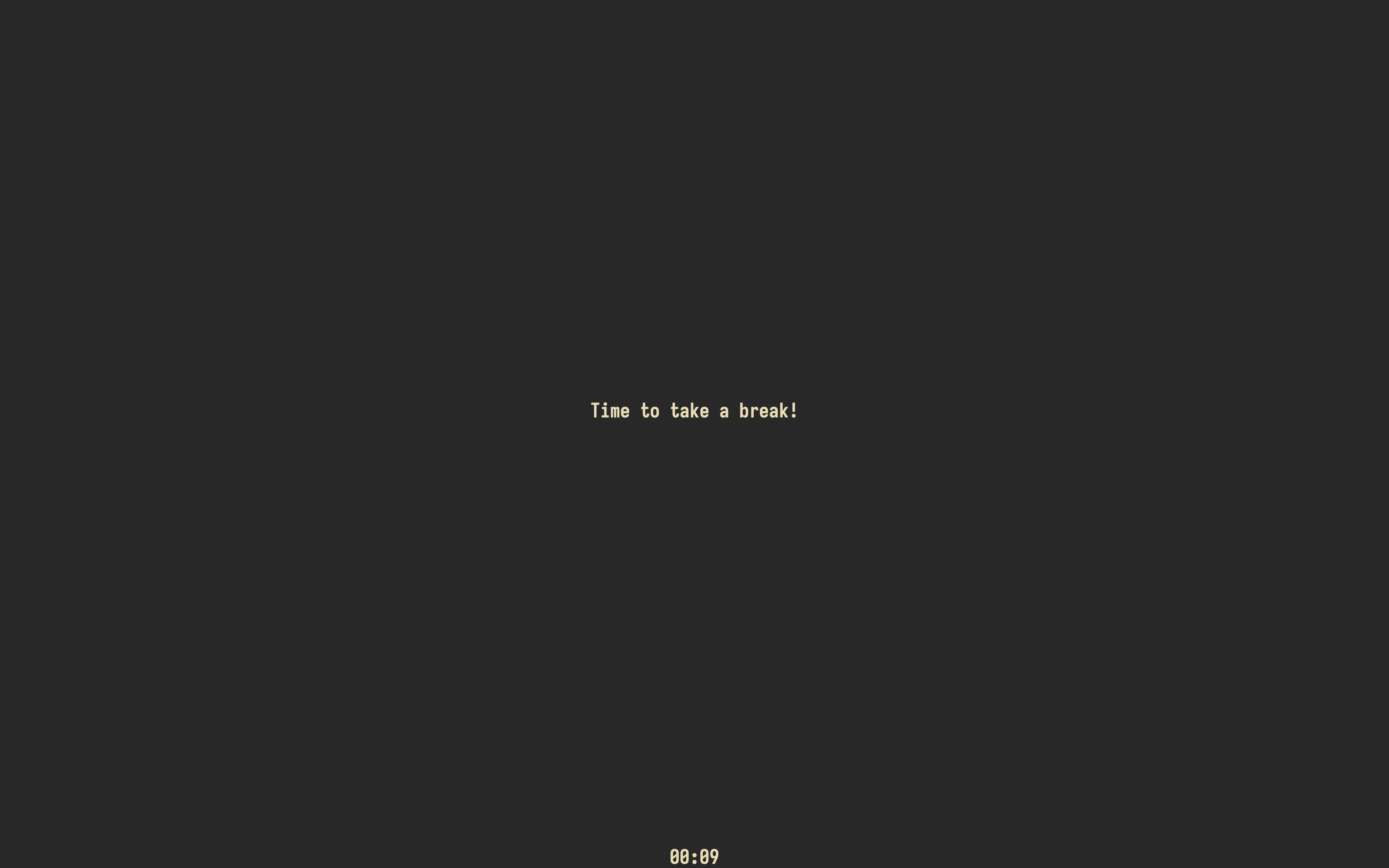 (Yes that is the whole screen)